An Easy Audio Upgrade for Solo Content Creators
When you start creating content on your own, you usually focus on what people can see.
Camera quality. Lighting. Framing.
Audio often gets ignored.
It is easy to assume the built in microphone on a laptop or phone is good enough, especially at the beginning. But once you listen back to your own recording, the difference becomes obvious.
The room sounds hollow.
Background noise creeps in.
Your voice feels distant.
None of it seems dramatic while recording, but it quietly affects how long someone stays engaged.
Why audio matters more than beginners expect
People will tolerate average video.
They rarely tolerate unclear audio.
When your voice sounds clean and present, everything else feels more intentional. When it does not, even strong visuals feel unpolished.
Improving audio is not about sounding like a studio host. It is about removing friction between you and the person listening.
A simple place to start
You do not need a complex setup.
For most solo creators, a straightforward USB microphone is enough. You plug it into your computer, select it in your recording software, and start.
That simplicity matters when you are trying to build momentum.
The microphone I would start with
If you want something dependable without turning your desk into a studio, a USB microphone is a practical starting point.
It connects directly to your computer and delivers noticeably clearer sound than built in microphones. There is no separate interface required and no complicated configuration.
If you want to look at the model I am referencing, you can see it here:
Logitech Creators Blue Yeti USB Microphone - https://amzn.to/4s3z9Ug
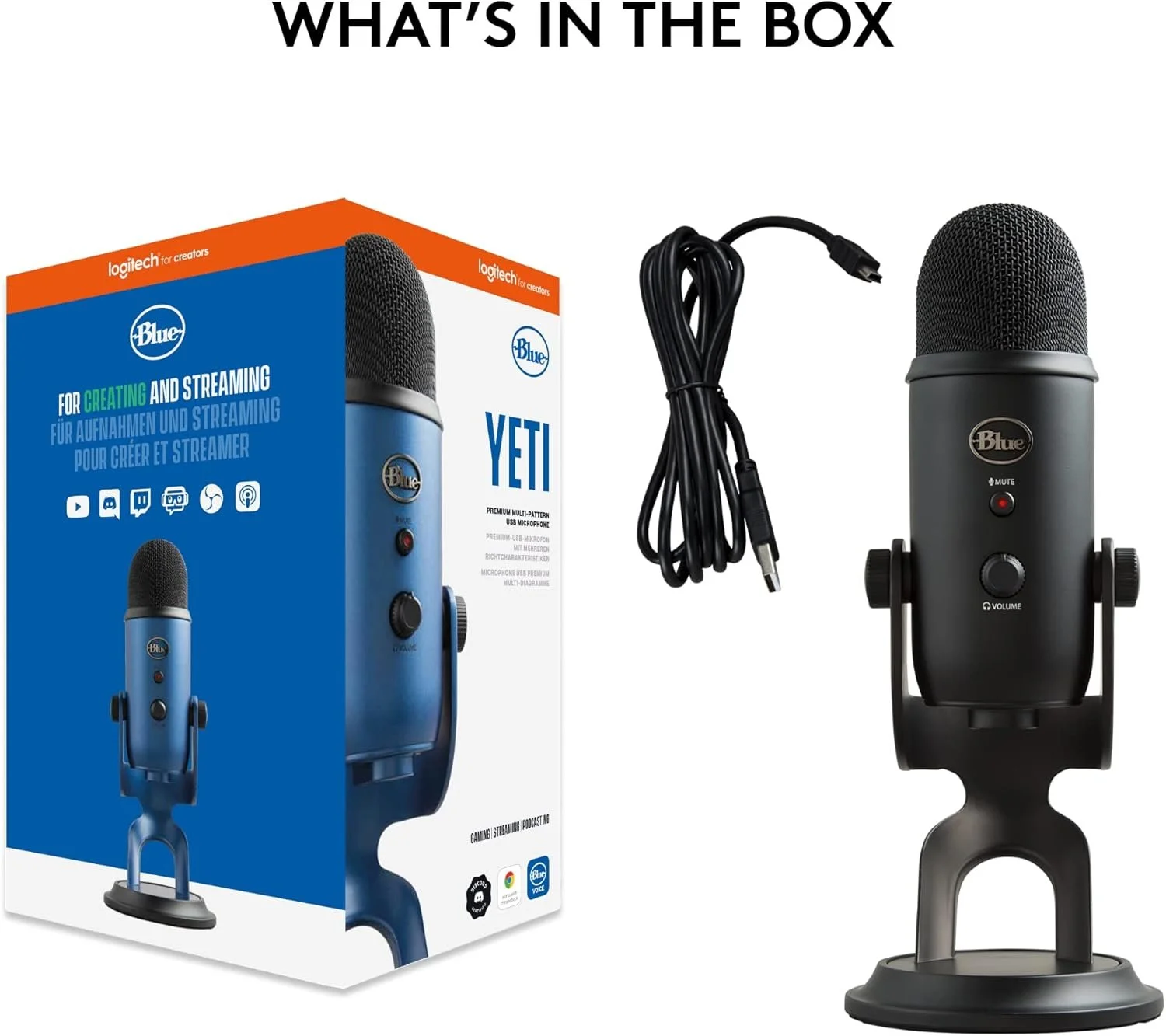
It is not flashy. It is not over engineered. It simply makes things clearer without making them harder to use.
For someone recording at home, that is usually enough.
Who this makes sense for
This kind of upgrade works well if you record at a desk, create solo videos, or want your voice to sound more defined without learning advanced audio equipment.
It is probably unnecessary if you already use professional recording gear or operate in a treated studio space.
Most beginners do not need that level of production. They need reliability.
A few small adjustments that help
Even with a good microphone, your environment matters.
Close doors.
Turn off fans.
Position the microphone about six to eight inches from your mouth.
Speak slightly across it instead of directly into it.
These small adjustments often make more difference than chasing higher priced gear.
Final thought
Most workflow improvements are subtle.
They are small changes that make noticeable differences.
Upgrading your microphone will not instantly transform your content. It will just make your voice clearer and more consistent.
For a solo creator building something from scratch, that clarity is a solid place to begin.